To approve or deny Overnight/Out-of-State trips, you must be in the location tables as the Overnight/Out-of-State Approver. You will also get an email notification about when the trip is ready for your approval, and you can click the link in the email to go directly to the trip(s) that need your attention.
Navigate to the Trips tab.
The trips tab automatically filters to show only upcoming trips. To locate Overnight/Out-of-State Trips, go to Filters – General – Overnight/Out-of-State.
This will limit the trip list to only Overnight or Out-of-State trips. Click the trip number to open the trip record and continue the approval process.
Your Deny, Approve, and Request Changes buttons are at the bottom of the trip request. Use the scroll bar on the right of the request to scroll through the information.
To approve the trip, click the Approve button. If you see any reason to deny or request changes for the trip, you may also use those buttons. Read this article to learn more about requesting changes.
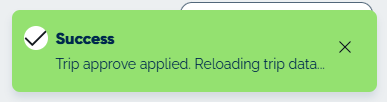
The system will confirm that you successfully approved the trip.
Updated