On the Trips Tab, clear any active filters by opening the Active Filters window and clicking Clear All.
 Filter By Trip Number
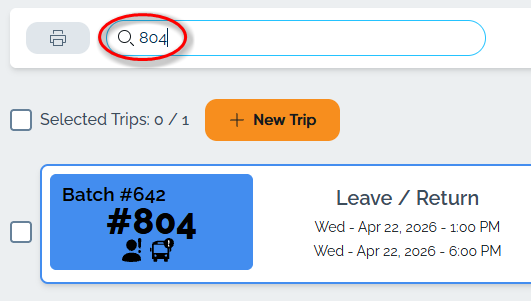
If you are looking for a specific past trip and know the trip number, you can type it directly into the search bar and click enter.
Filter by Date
If you do not know the trip number but know a date or a range of dates when the trip might have occurred, open the Filters & Sort menu. In the Filter by Date section, select the Start date and End date range.
Updated